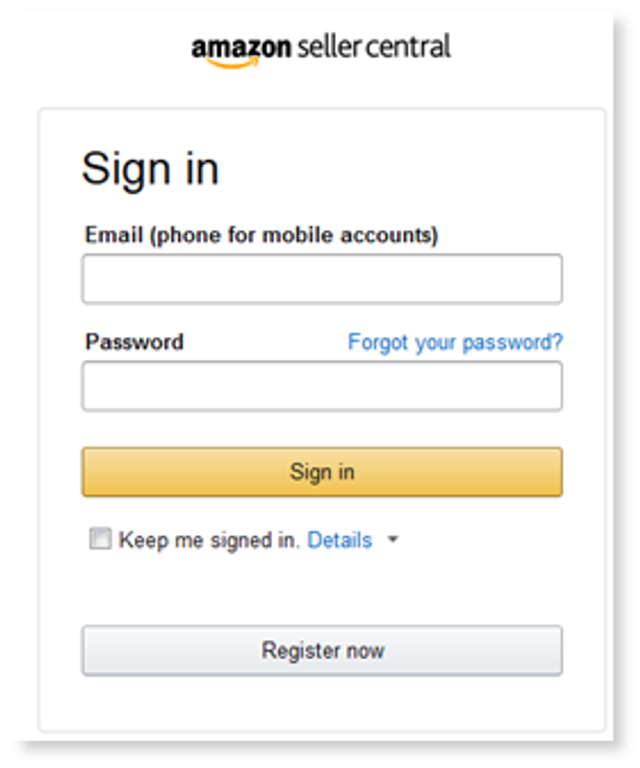
To set up your products in various Marketplaces select the button next to one or more of the below options Enable Feed or Generate Price List.
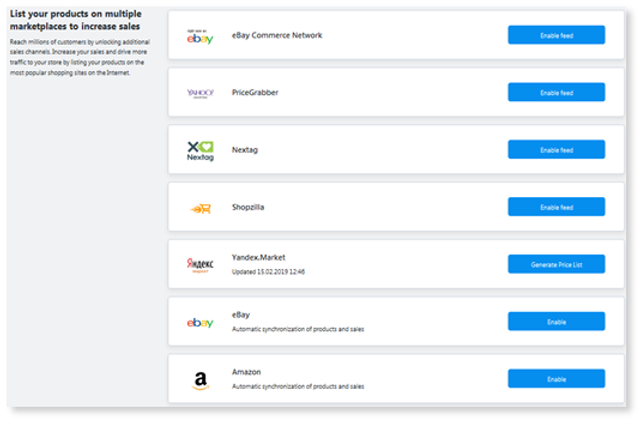
eBay Commerce Network, PriceGrabber, Nextag, Shopzilla:
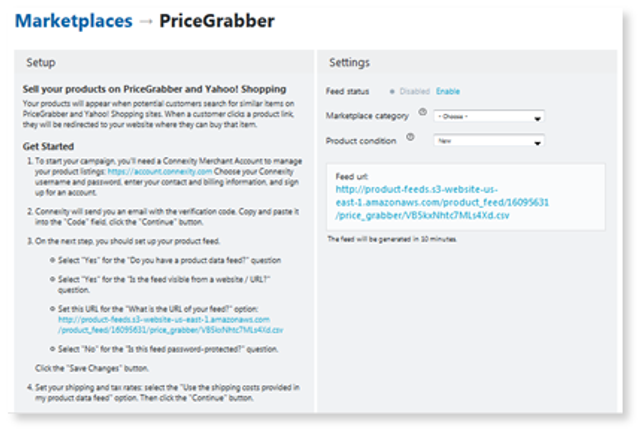
After selecting Enable Feed you will be taken to this page with instructions on how to set it up in your Online Store. Instructions for setup are available to you within the application. You will need to ensure you have an account for the feed you want to enable to get started. You can update the settings on the right column at any time. You can also share your feed URL.
Examples: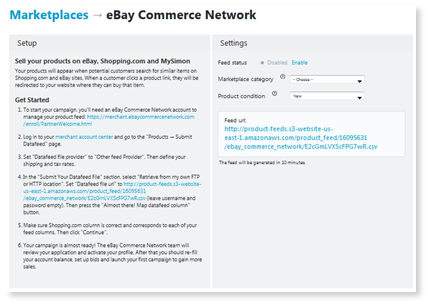
Once they are setup you can track them through Online Store on web and mobile.
Amazon & eBay:
To sell on Amazon and/or eBay you will need to integrate Codisto.
1. To sell on Amazon/eBay, ensure you have an account setup. If not, create one prior to moving into the next steps.
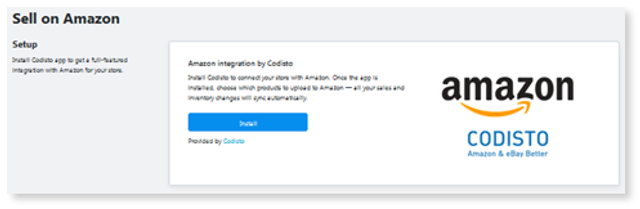
2.
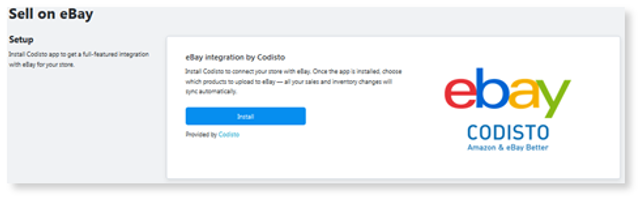
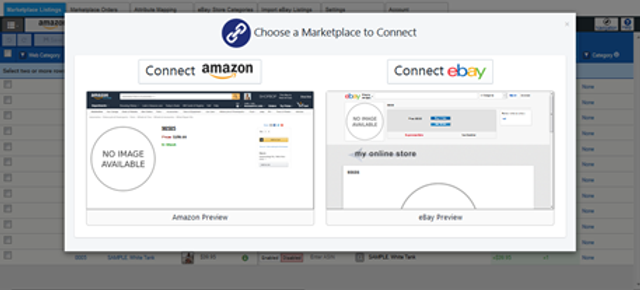
1. You will be asked to connect your Amazon/eBay account to Codisto after selecting Next, click Connect Amazon/eBay.
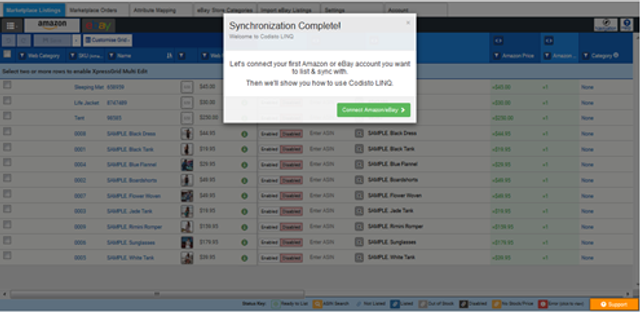
1. Once Synchronization is complete, select Connect Amazon/eBay to complete:
1. You will be asked to login to either your eBay or Amazon account. Sign in to complete the connection.