To add a table to your blog post, select the Blog Platform tile.
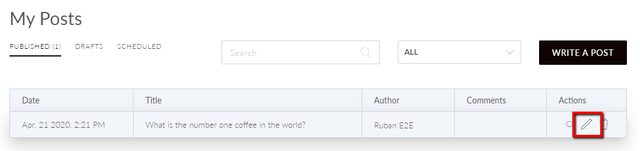
Select the Pencil icon next to the post.
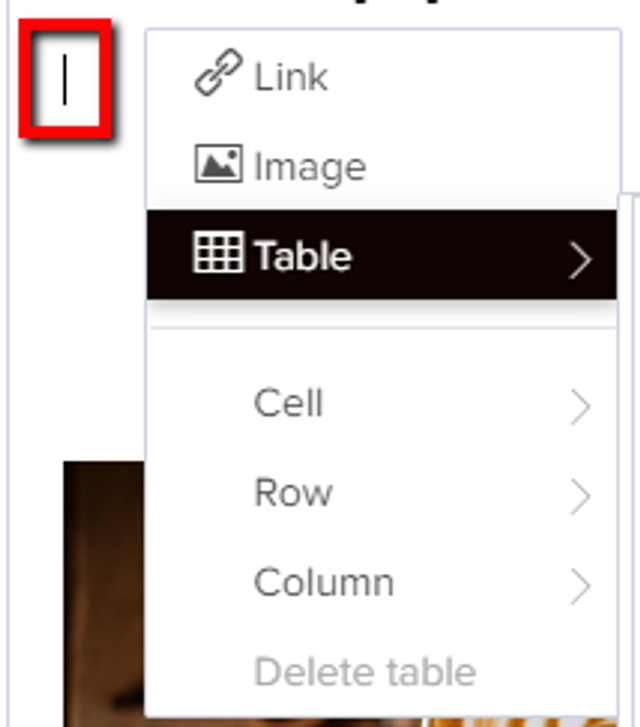
Right-click where you'd like to add the table and hover over the Table option.
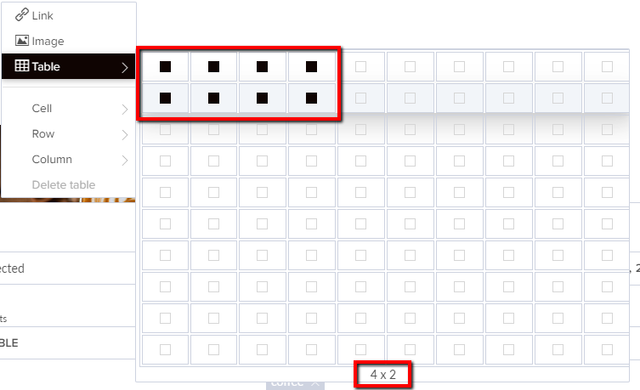
Select a number of columns and rows.
How can we help?
To add a table to your blog post, select the Blog Platform tile.
Select the Pencil icon next to the post.
Right-click where you'd like to add the table and hover over the Table option.
Select a number of columns and rows.