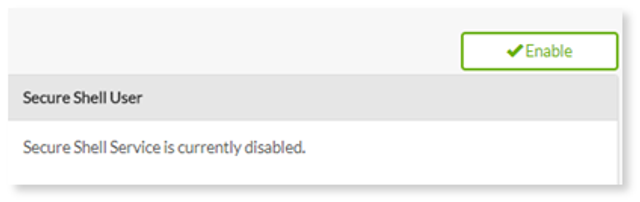
By default, SSH access for your account is disabled. Enabling SSH does not disable your regular WebsiteOS login, or any of WebsiteOS' applications.
1. Click Enable.
2. Once the service is enabled, complete the following:
- Enter your new password – enter a password for your SSH access.
- Confirm your new password – re-enter the password.
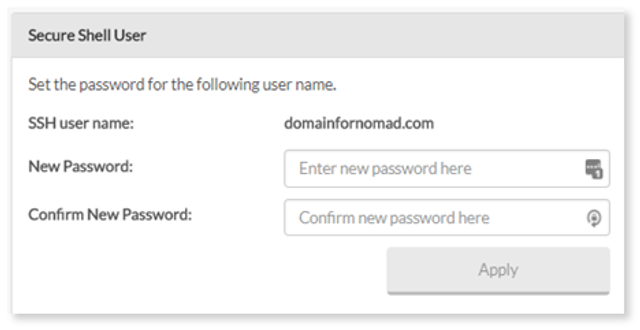
3. Select Apply.