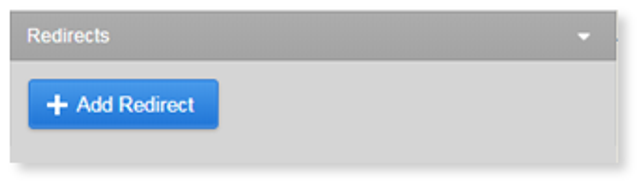
1. From the Pages section in the Primary Menu, click Add Redirect.
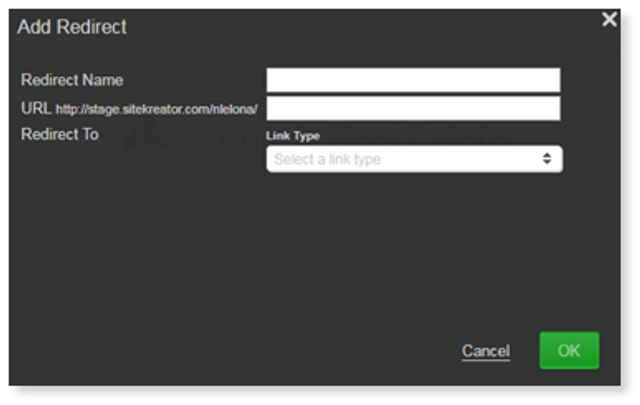
2. Next, type in the redirect name and the URL you want to redirect.
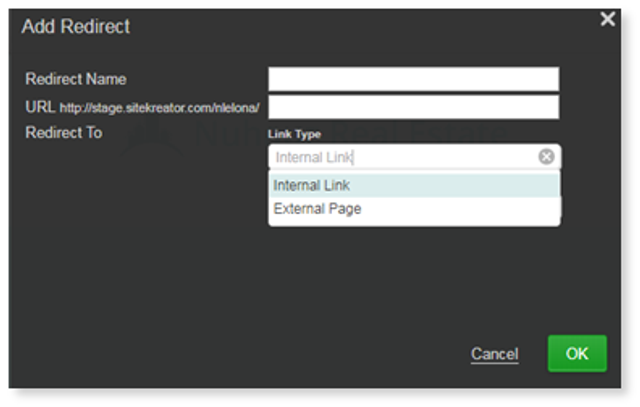
3. From the drop-down select either Internal Link or External Page.
Note: An Internal Link will redirect to another page on your website. An External Page will redirect to a URL outside of your site.
4. Select Internal Link, and then select the page in the drop-down.
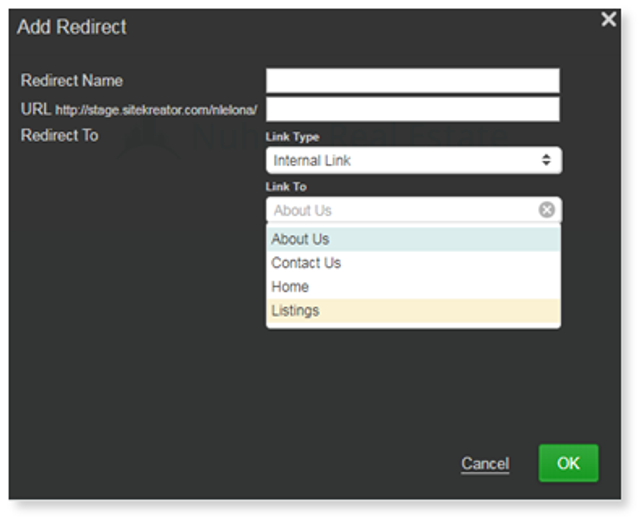
5. If you select External Link, add a new URL under "Link To":
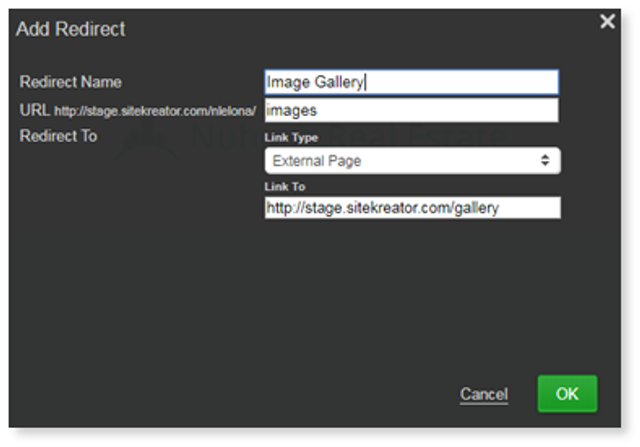
6. Select OK to save your changes.