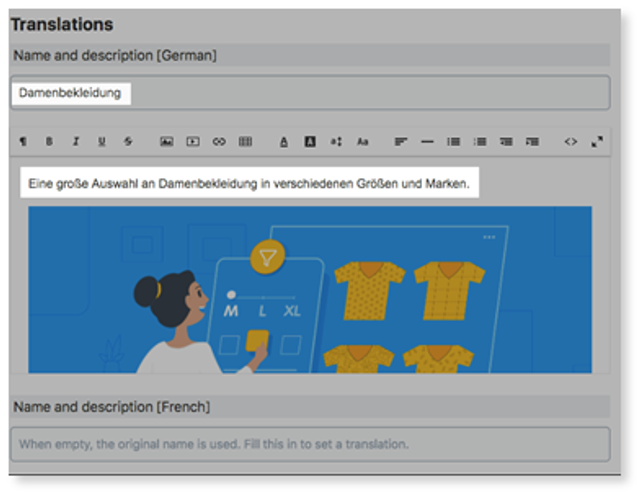
To update translations for Categories, the user can go to Online Store dashboard > Catalog > Categories. Choose a category name and add the translation of the category’s name and description in the respective language under Translations.
How can we help?
To update translations for Categories, the user can go to Online Store dashboard > Catalog > Categories. Choose a category name and add the translation of the category’s name and description in the respective language under Translations.