1. Click Add User.
2. In the Add New User dialog, complete the following:
- Enter a username
- Enter a password
- Re-type the password
3. Click Next.
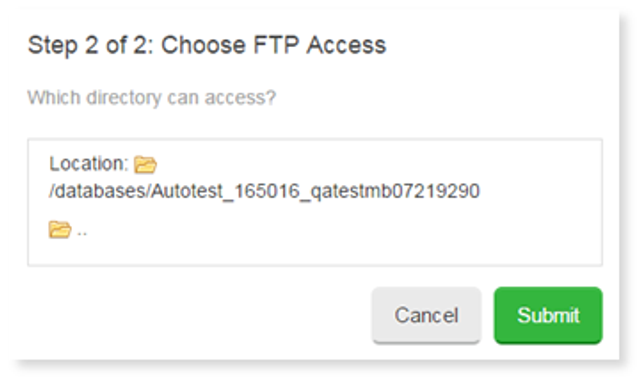
4. In the Choose FTP Access dialog, select the directory that the user can access and then click Submit.
To Delete a User:
- From the FTP Manager, click the Settings icon and click Delete User from the drop-down.
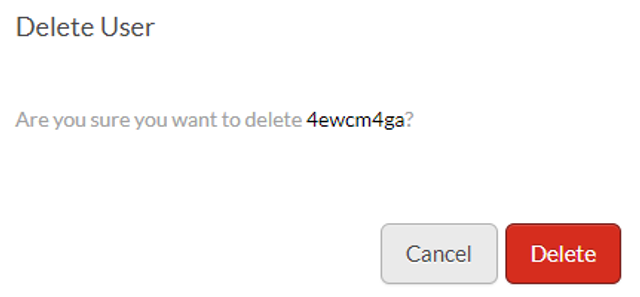
- In the Delete User confirmation dialog, click Delete.