1. From FTP Manager, click the Settings icon next to the user you want to edit.
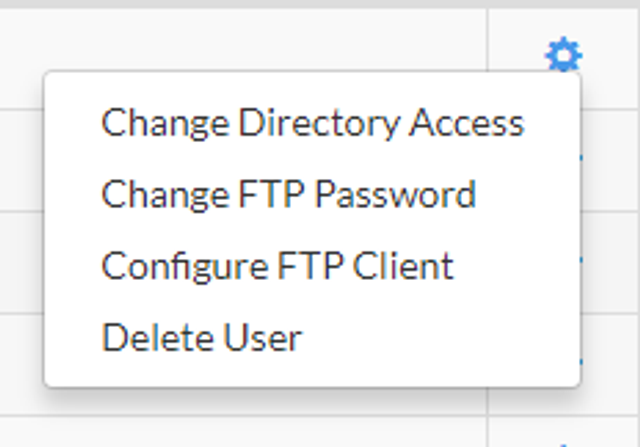
2. Click Change FTP Password.
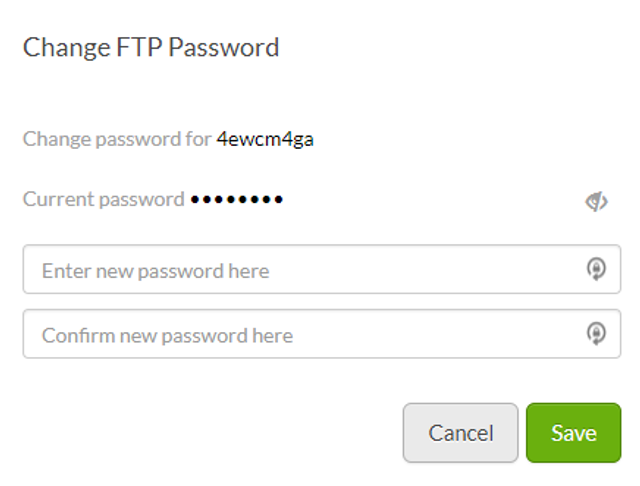
3. Enter a new password and then confirm it. When you're finished, click Save.
How can we help?
1. From FTP Manager, click the Settings icon next to the user you want to edit.
2. Click Change FTP Password.
3. Enter a new password and then confirm it. When you're finished, click Save.