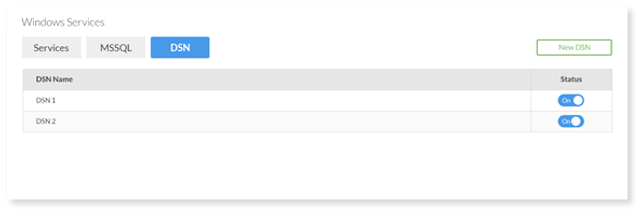
Upon accessing the application, you will see a list of your existing DSNs.
1. Click on the DSN under the DSN Name column.
2. Here you can edit details such as your DSN prefix, database type, language, and database association.
How can we help?
Upon accessing the application, you will see a list of your existing DSNs.
1. Click on the DSN under the DSN Name column.
2. Here you can edit details such as your DSN prefix, database type, language, and database association.