To add a per-page navigation:
1. Scroll to the bottom of the page you are editing.
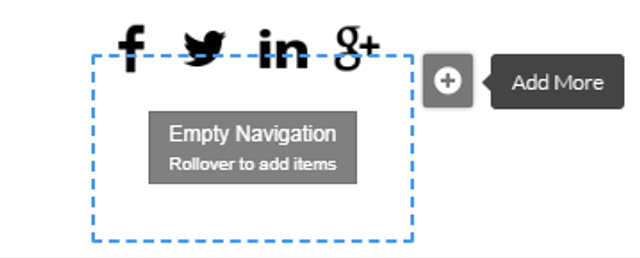
Rollover the footer navigation area and click the plus icon.
2.
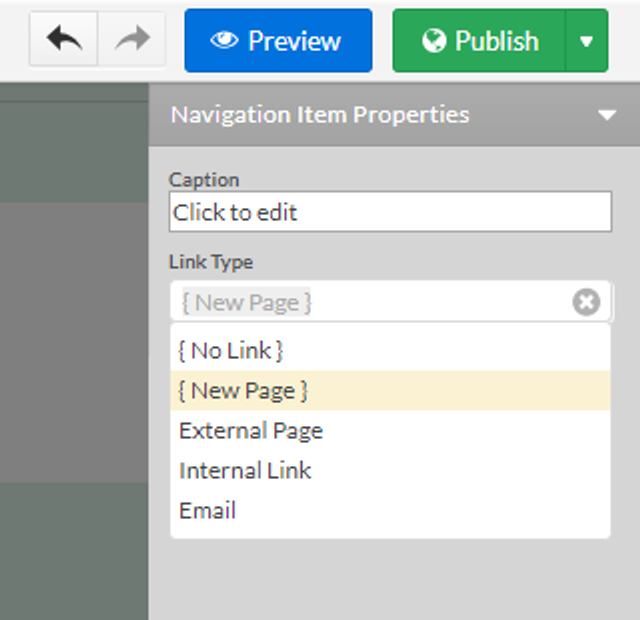
3. From the Navigation Properties window, select [New Page] and provide a "caption" (page title).
4.
5. Click anywhere on the page you are editing to save the changes.
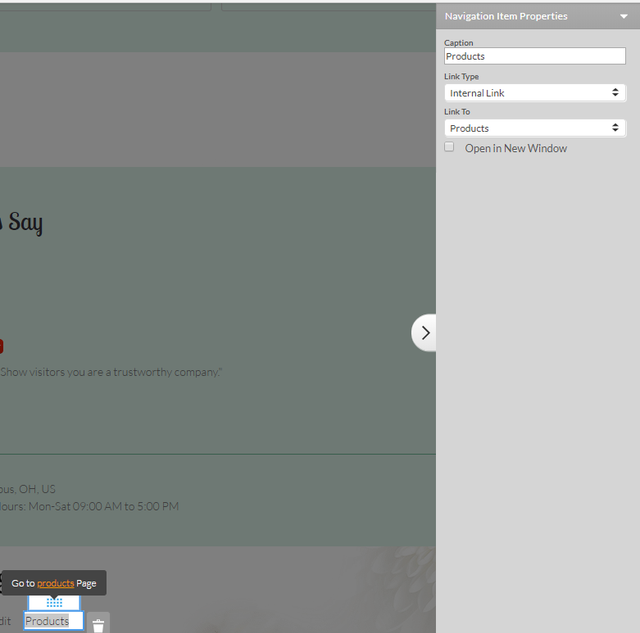
6. After you add the caption you may start adding navigation items to it by double-clicking on the new page you created.
7.
8. The Navigation Item Properties menu will appear, you can link your new page to an internal or external link. See: Add Navigation Items
To display, rename or delete an existing page in the navigation footer of another page, go to the per-page navigation area of that page and click the wrench icon on its top left and choose from the available options.