TO CREATE A CATCHALL:
1. Click Global Email Settings.
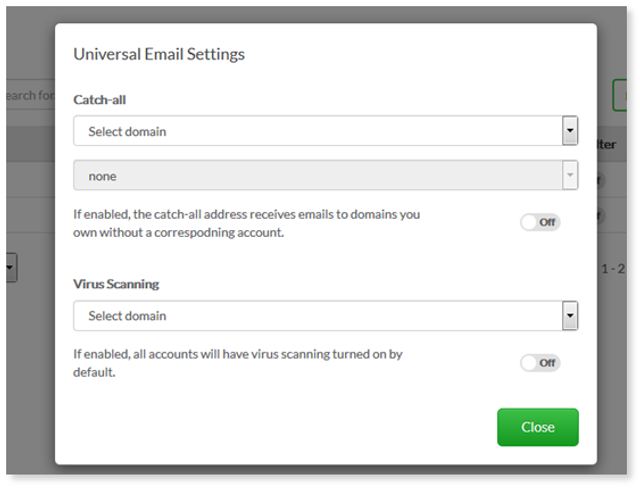
2. Select a Domain from the drop-down menu.
3. Enter an existing email address.
4. Catchall will be enabled – toggle ‘ON’.
5. Select Close when complete.
Note: You can only set one catch-all email address per domain. The existing email address that you set as your catch-all can be either an external address (e.g. a hotmail account) or one of your domain's email regular accounts.
TO DISABLE CATCHALL:
- Toggle `OFF`.