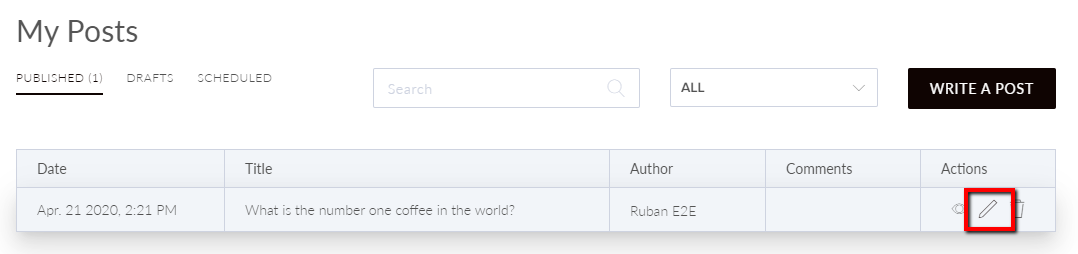
To edit text format, select the Blog tile.  Select the Pencil icon next to the post.
  Highlight the text you want to edit and select Format. Select a heading from H1–H6.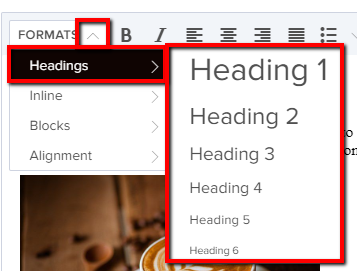
How do I edit the text format in my blog post?
- Last updated Tue, Jun 02, 2026
How can we help?
To edit text format, select the Blog tile. Select the Pencil icon next to the post. Highlight the text you want to edit and select Format. Select a heading from H1–H6.