1. Click on Edit Site from the Store Creator page and you will be taken to the dashboard where you can make edits.
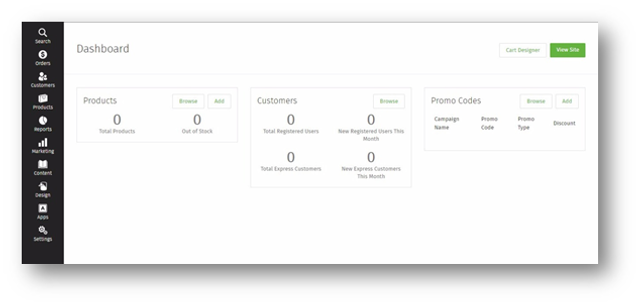
2. Here you can review information on your online store including search, orders, customers, products, reports, marketing, content, design, apps, and settings.
3. Select one of the options in the left menu to review or make updates to a specific section.
4. To add/remove a promo code, select Add or Remove and enter the promotion of your choice.
5. To edit your cart, select Cart Designer.
6. To review your changes, select View Site.
Here you can review information on your online Store including: search, orders, customers, products, reports, marketing, content, design, apps, and settings.