1. Open the Log Manager application.
2. Select the log under the "Log Files” column that you want to view.
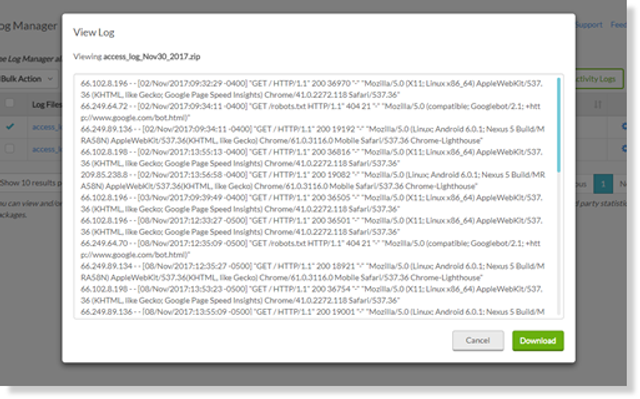
3. When done viewing the details of the chosen log you can click Download or select Cancel to close.
How can we help?
1. Open the Log Manager application.
2. Select the log under the "Log Files” column that you want to view.
3. When done viewing the details of the chosen log you can click Download or select Cancel to close.