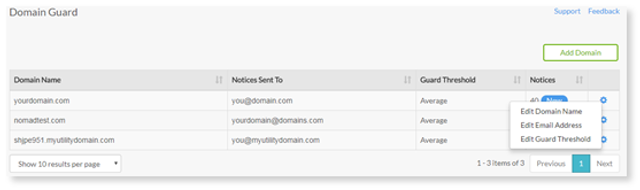
1. Select the Settings icon on the far right of the table.
2. Next, select Edit Guard Threshold.
3. You will see a list of three options ranging between Relaxed, Average and Strict.
- Email Address: Enter the email address associated with your account
- Domain Name: If your Domain name changes or you want to guard more than one at a time you can edit the settings to reflect this
- Guard Threshold (levels): If Domain guard detects a domain similar to yours, it will be rated on a scale of low - high in similarity.
Guard Threshold Levels
When a domain is identical to yours it has a value of 1 if it is entirely different the value is 0.
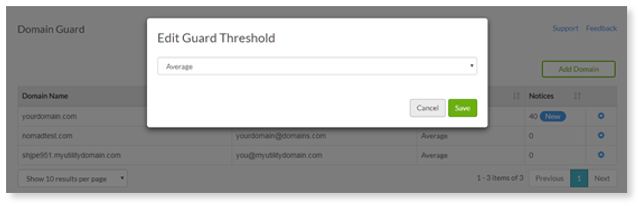
o Relaxed: 0-0.6 (indicates slight similarity)
o Average: 0.7-0.8 (indicates moderate similarity)
o Strict: 0.8 + (indicates high similarity – nearly identical)
You can set your Guard Threshold accordingly to detect domains at the level of your preference.