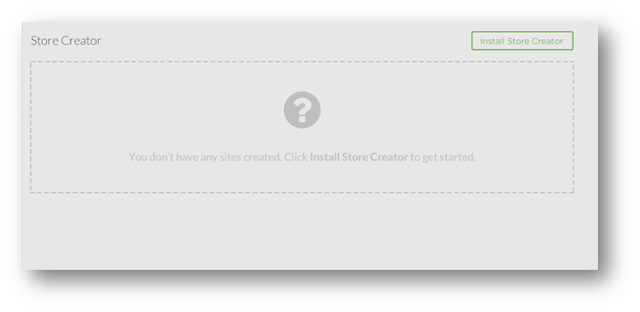
Installing StoreCreator should be a quick and easy experience for both novice and advanced users. Upon accessing their StoreCreator dashboard, users should be able to click the Create StoreCreator site button.
1. Click the Install Store Creator button.
2. You will be taken to a setup screen where you will input the following information:
Setup:
- Cart license
- Site title
- Domain to install on
- Directory to install in
- SSL Options – Vanity Owned SSL or Free Shared SSL (current functionality)
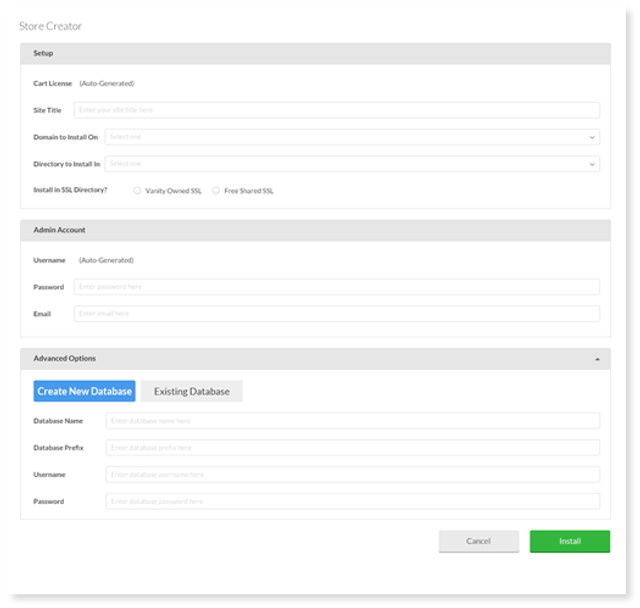
Admin Account
- Username (should be auto-generated)
- Password
Advanced Options:
- Select an existing database or create a new database.
- If creating a new database, you will have the option to pick your table prefix, database username, database password. Your new database should be reflected in MySQL Manager.
3. Once you have completed filling out this information, select Install.