To preview your posts in Social 365, follow the steps outlined in this article:
1. Log in to your dashboard and select the Social Calendar tile.
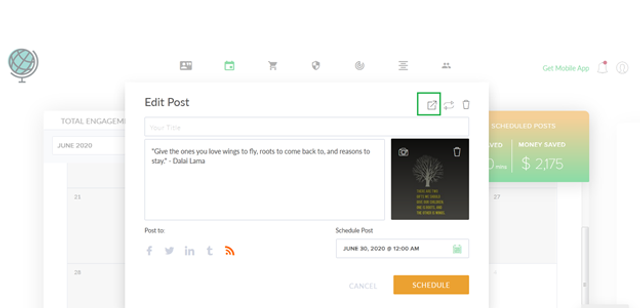
2. To preview a post and see what it will look like before you publish it, select a post on your calendar or create a new post. Then select the preview icon at the top of the pop-up.
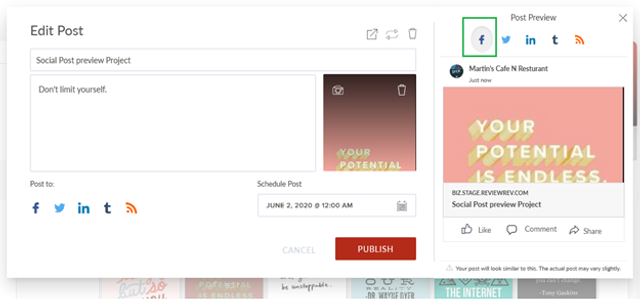
3. Select a platform to see how your post will look on that platform. You can preview your post on any of the following platforms that you’ve connected: Facebook, Twitter, LinkedIn, Tumblr, and your blog.
You can preview your posts on the following platforms: Facebook, LinkedIn, Twitter, Tumblr, and your blog.
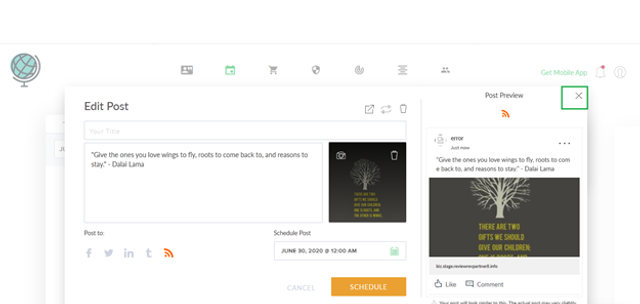
To exit out of the post preview, select “x” in the upper right-hand corner.