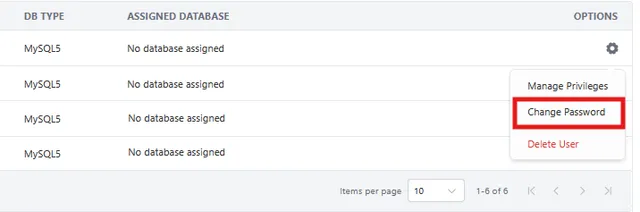
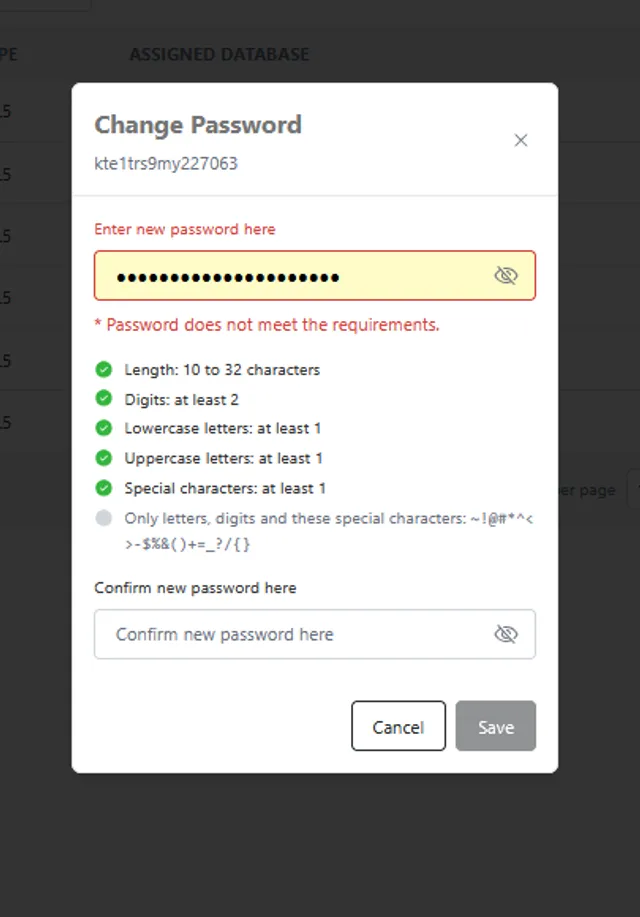
Within the MySQL Manager application the password can be changed in one of two ways, depending on if the database has a single or multiple users.
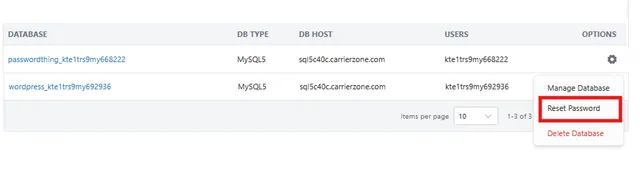
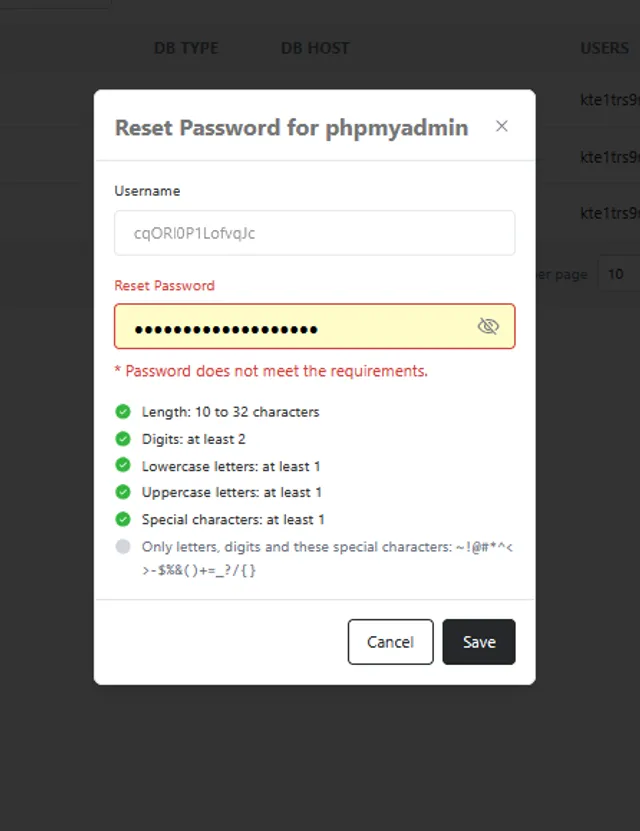
For a database with a single user, the password can be altered via the small gear icon in the Database list and selecting Reset Password.
For a database with multiple users, the same action can be proformed to change the password of the primary database user, passwords can also be changed on an individual basis, to do so, click on the Users tab, click the small gear icon beside the user you wish to change the password for and select Change Password