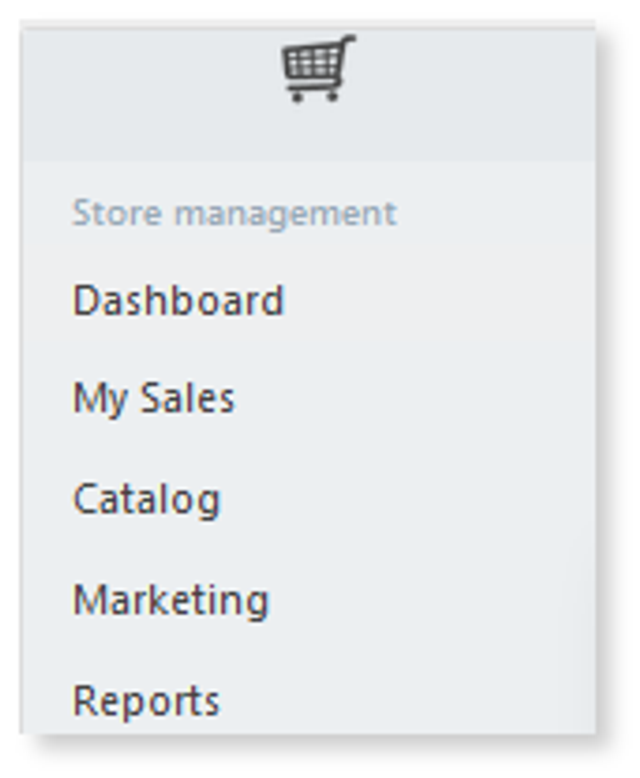
1. Go to the main dashboard by selecting My Add-ons > Online Store > Gear icon. This will open your Online Store dashboard.
2.
3. Select My Sales.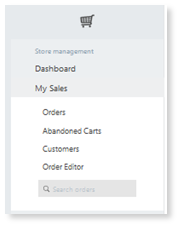
4. Under the “My Sales” category, you can view orders, abandoned carts, customers, order editor.
a. Orders : Here is where you can track all of your orders.
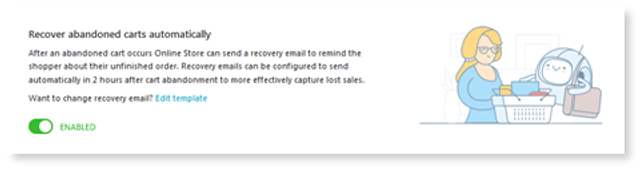
b. Abandoned Carts : You can enable tracking for customers who proceeded to checkout and abandon their shopping cart here.
5.
c. Customers : You can add order information about your customers and create lists for exporting. Exporting a list can be valuable when you want to send email promotions, discount codes or product updates. Once your customer list is populated, select a specific set of customers to Export and select Export Selected . To export all customers select Export All Found or Export All. 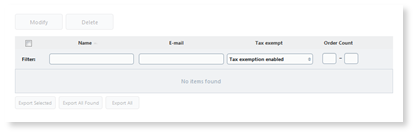
d. Order Editor : To keep tabs on an order or edit the information (address, customer email, price, payment and shipping method) Select Order Editor > Order List > Customer order. 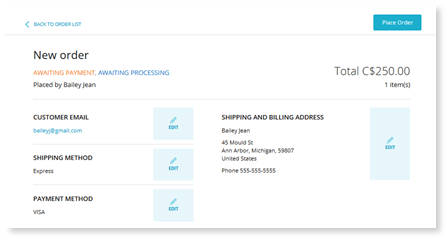
6. You can also search order if you know the one you want to find.