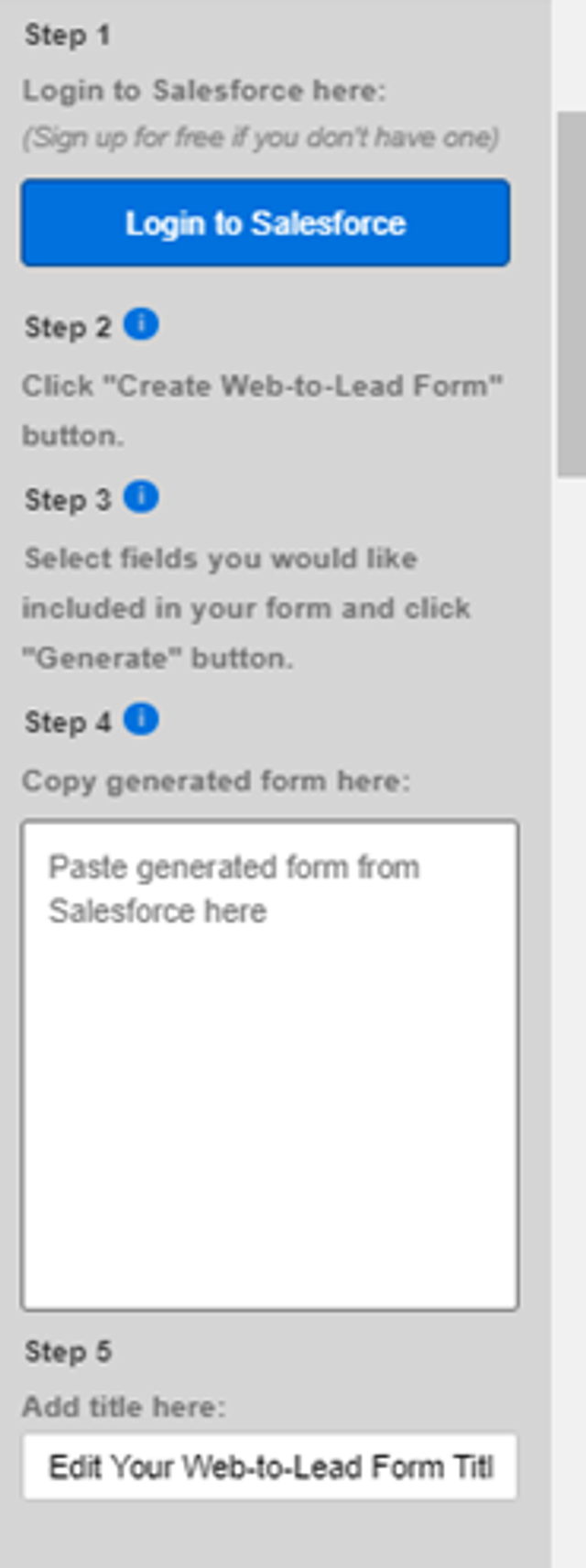
The Salesforce Lead Form allows visitors to fill in and submit a form directly to your Salesforce account.
Adding a Salesforce Lead Form
1. Go to the Add-Ons page and select the Salesforce Lead Form.
2. Click Activate.
3. Go to My Add-ons and add Salesforce Lead Form to your page.
Setting up your Form
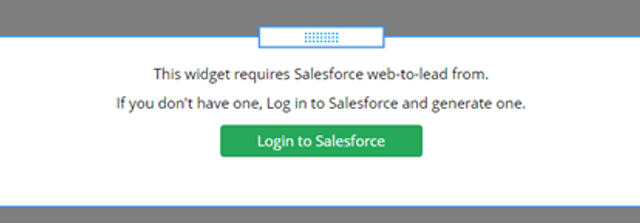
1. The first thing you will need to do is log in to your Salesforce account or create a new account.
2. In Salesforce click the Setup.

3. Next click Feature Settings under the Platform Tools menu.
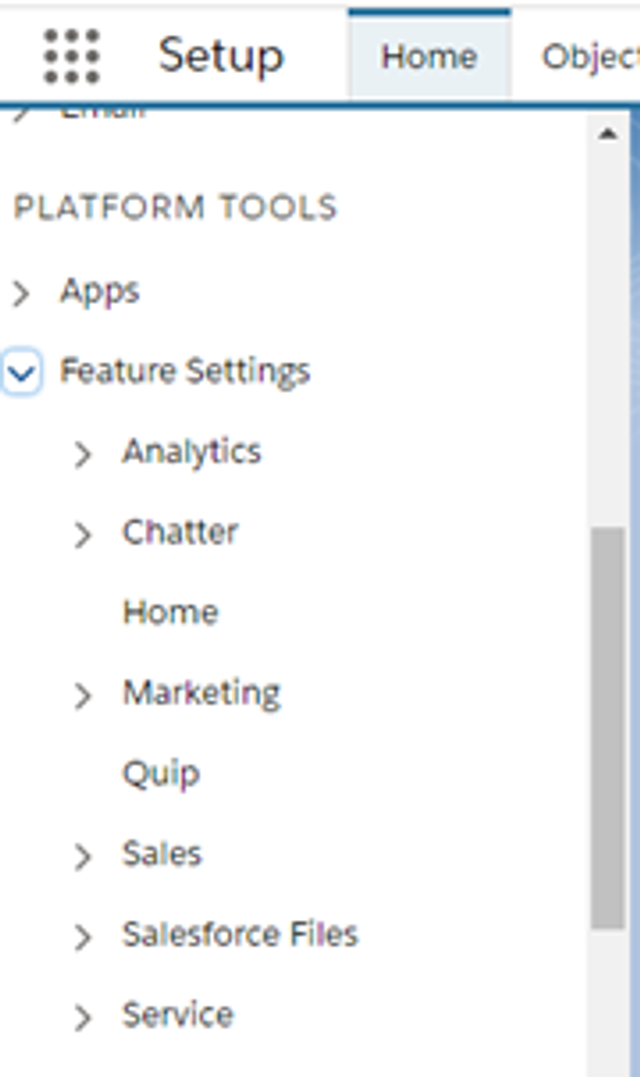
4. Click Marketing and then Web-to-Lead.
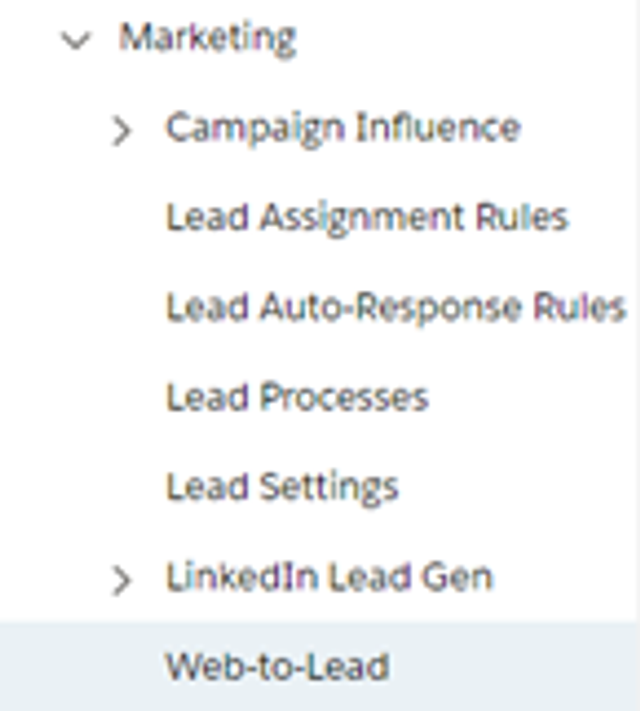
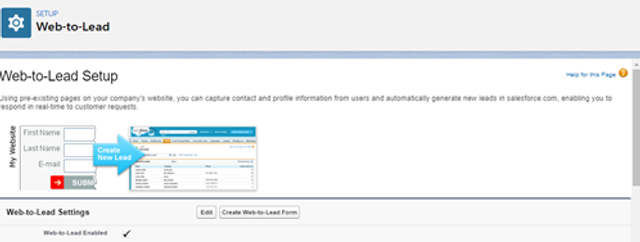
5. Click Create Web-to-Lead Form.

6. Select the fields you would like to include in your form.
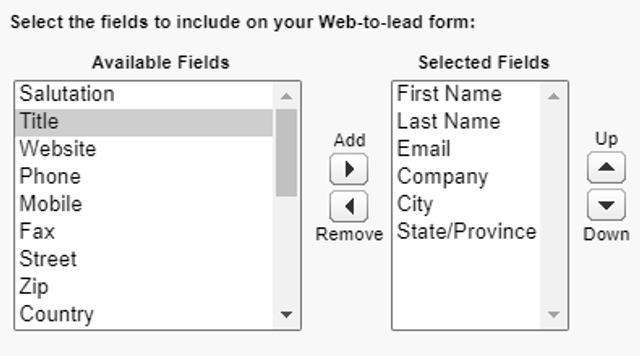
7. You will need to enter the reCAPTCHA API Key Pair.
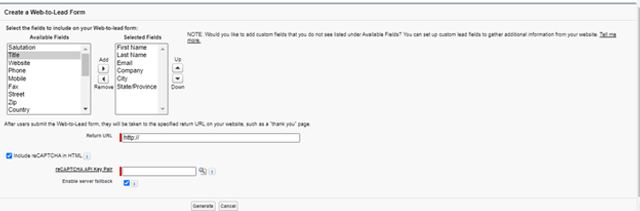
8. Click Generate.
9. Copy the code and enter it into your website.