To manager the privileges of an existing SQL database user please follow the steps below
1. Open the MySQL Manager application
2. Click on the users tab located above the database list

3. Click on the small gear icon to the right of the user you wish to alter.
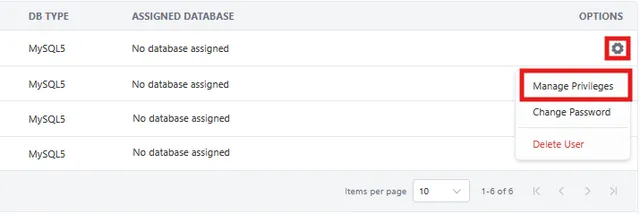
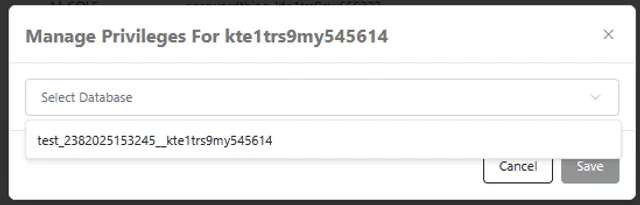
4. In the Manage Privileges dialog, select an existing database from the drop-down and modify the user accordingly.
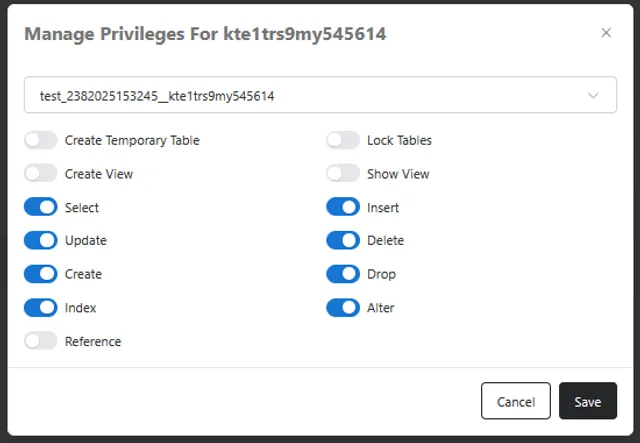
3. When the desired privileges have been assigned click Save to finalize the change.