To access your settings in Get 5 Star Reviews, follow the steps below: 1. Log in to your dashboard and select the Get 5 Star Reviews tile. 2. Select the Settings tab. 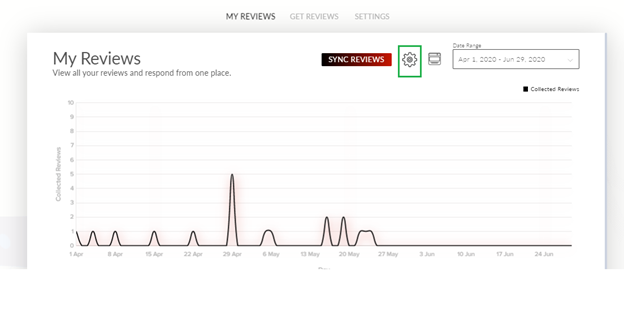
 The following screen will display. You can access the following tabs: 1. Setup: Allows you to customize your survey, including selected social media platforms. 2. Notifications: Allows you to change your notification settings. 3. Integrations: Access your embed or Zapier integration.
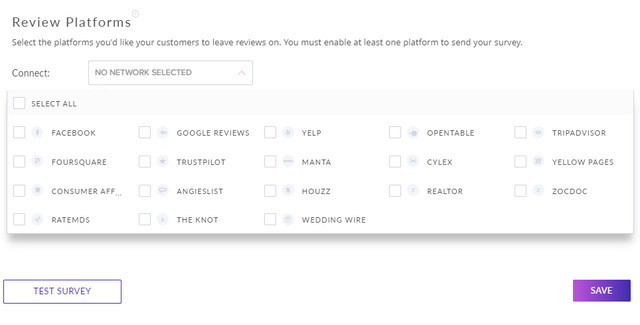
 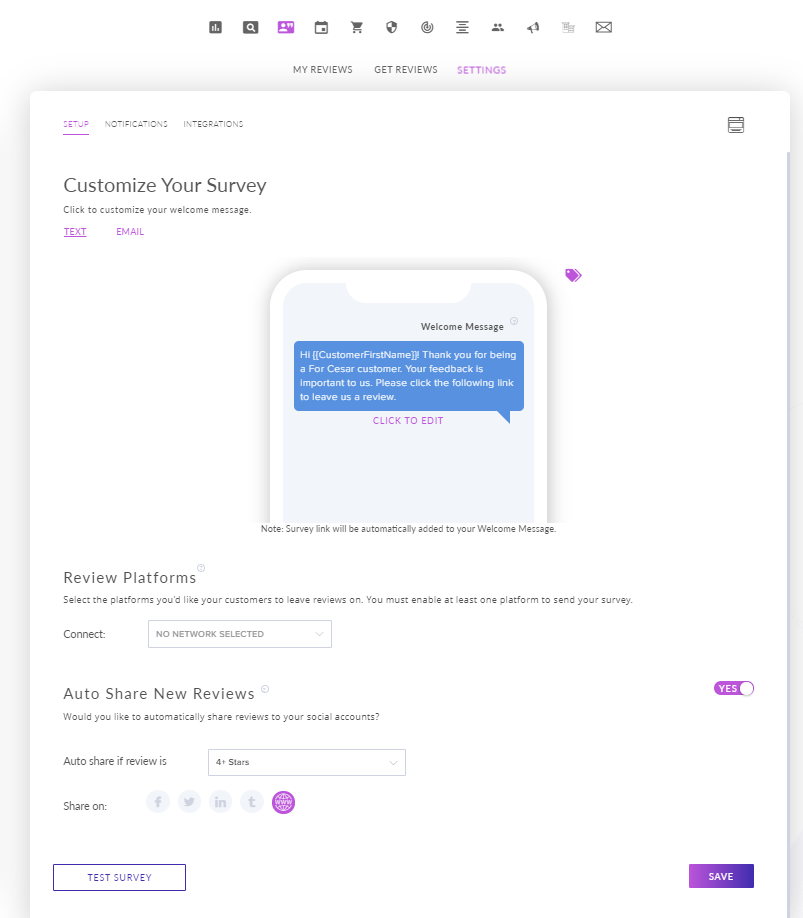 Select the gear icon or the Review Platforms dropdown menu to connect a platform. The following are the platforms you can connect and disconnect in the Get 5 Star Reviews settings: Facebook Google Reviews Yelp Foursquare OpenTable Tripadvisor Trustpilot Manta Cylex Yellow Pages ConsumerAffairs Angie’s List Houzz Realtor Zocdoc RateMDs The Knot WeddingWire
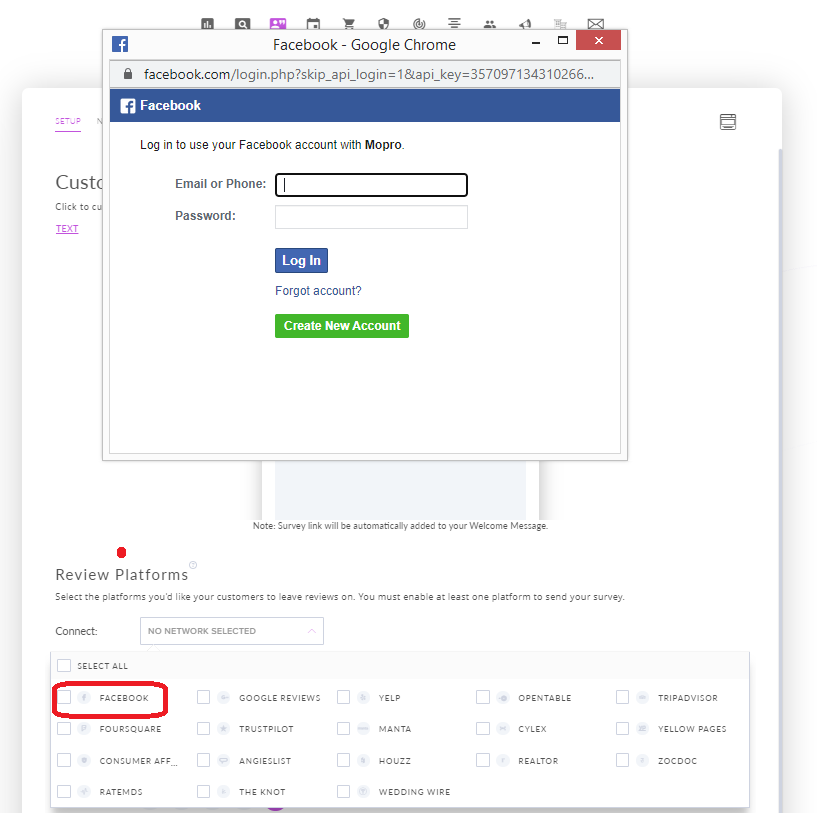
If you have not connected a social media account before, you will be prompted to give your username and password for the account. For example, if you select Facebook, you will be prompted to provide your Facebook logins.