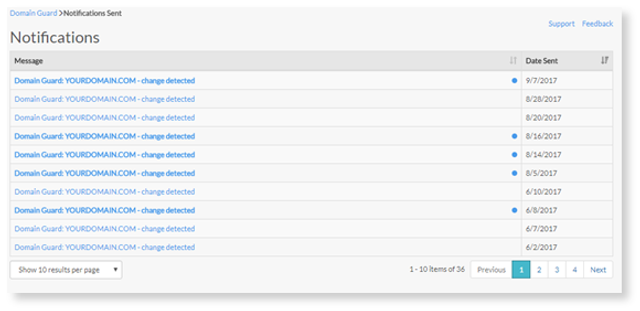
Under "Notices" you will see the number of notifications for each domain you have added to Domain Guard. If you see a zero, there are no new notifications and it will not be clickable. If there are new notifications, you'll see a blue clickable button that reads "New" next to the number of notices in the column.
1. Select New. This will take you to the notifications page where you can view detected changes.
Note: Unopened notifications will be highlighted blue on the far right side next to the "Date Sent" column.
2. Upon selecting a highlighted notification you will receive a pop-up that lets you know which domain has been registered, the threshold level assigned to this domain, and suggestions changes to settings.
3. To change your settings go back to the “Domain Guard” dashboard and follow the steps and click the Settings icon.