1. Once the service is enabled, the application home screen will show an option to change your password.
2. Complete the following (similar to initial setup of password):
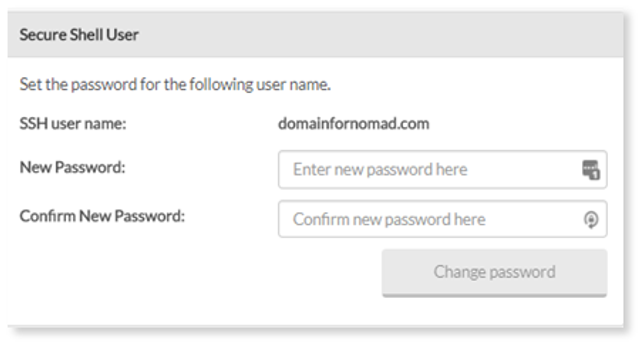
- Enter your new password – enter a password for your SSH access.
- Confirm your new password – re-enter the password.
3. Click Change password.