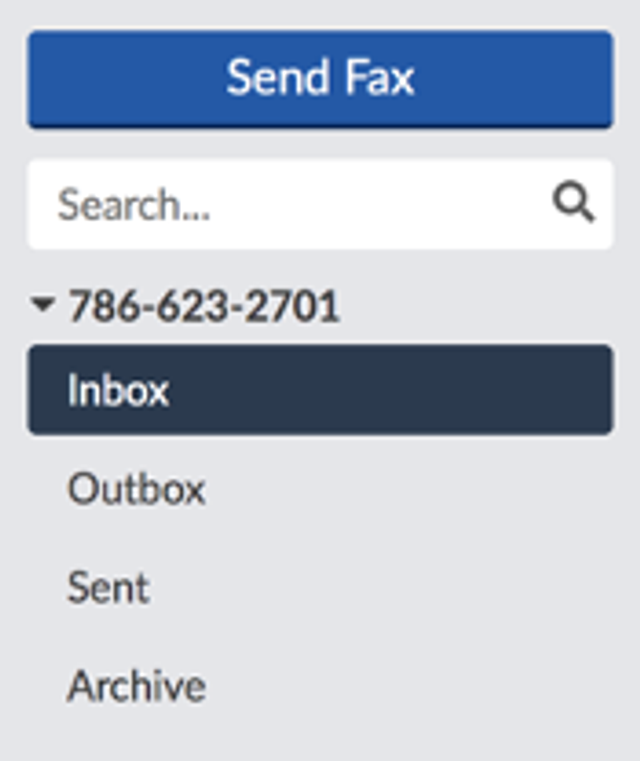
The Fax-Messages section works the same way as an email inbox. In the left-hand menu, you will see the following options: Send Fax, Inbox, Outbox, Sent Archive, and Search.
Fax-Messages Menu | Description |
Send Fax | The Send Fax option allows you to create and send faxes online. |
Search | Use the search function to quickly locate a specific fax. |
Inbox | The Inbox is where you can manage received faxes. Each fax is stored in the Inbox for thirty days. During this time, you can view, download as a PDF or TIFF, move to an archive, or delete the fax. |
Outbox | The Outbox page allows you to view the queue of all outbound faxes. |
Sent | Sent is where you can view all of the faxes that were successfully delivered. |
Archive | The Archive page displays faxes that have been archived. These faxes are held for thirty days. |