To add a domain name to your account, navigate to the domain manager and click on the "Add Domain" button in the top right of the domain manager UI,
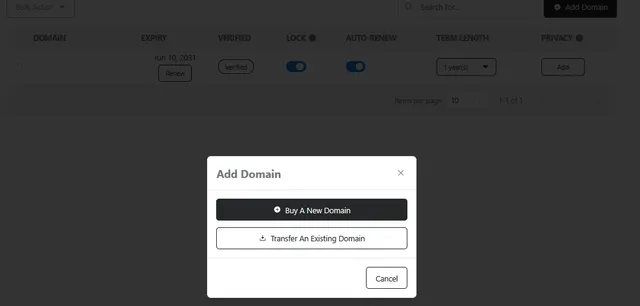
Choose from the two options (Buy a New Domain or Transfer an Existing Domain).
Buy a New Domain: You will be taken through the purchase flow to register a new domain.
Transfer an Existing Domain: Selecting this will take you through the steps to transfer your domain from an existing registrar to your hosting account.
please note domain transfers may take up to 7 business days to complete, durring this time there should be no interruption to the domains ability to resolve DNS