To schedule a survey, select the Get 5 Star Reviews tile.
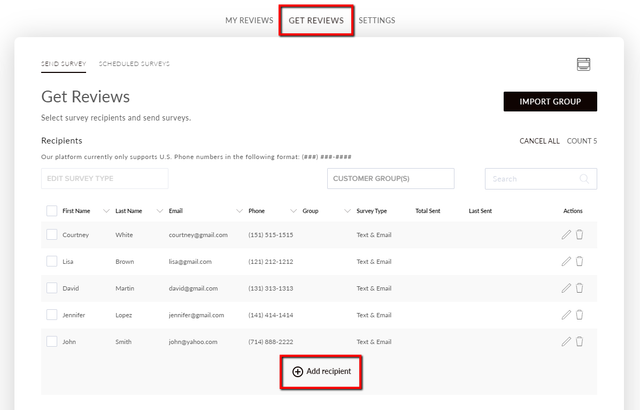
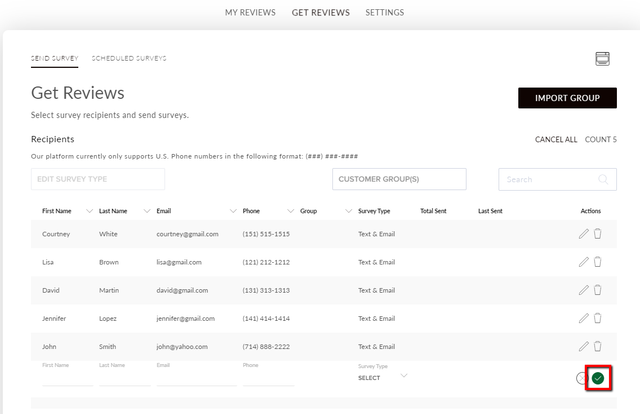
Navigate to the Get Reviews tab and select Add Recipient.
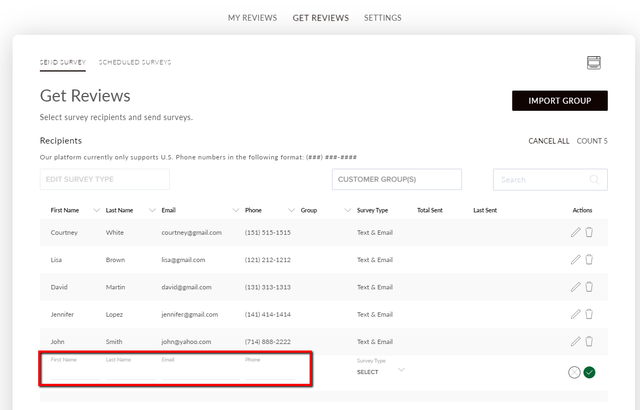
Enter your customer's first name, last name, email, and phone number.
Select the Survey Type drop-down. Select whether you want to send them a text survey, email survey, or both.
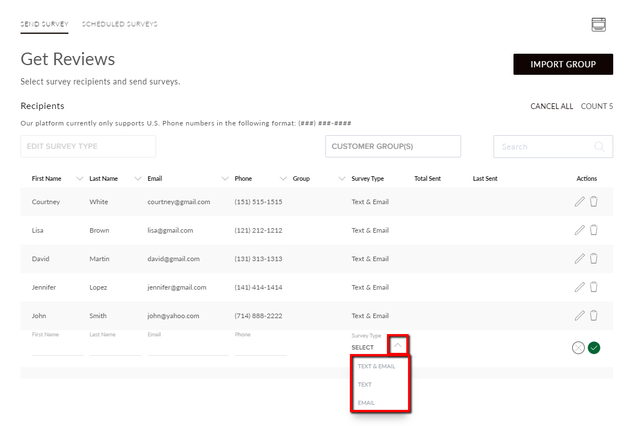
Select the checkmark to save your recipient.
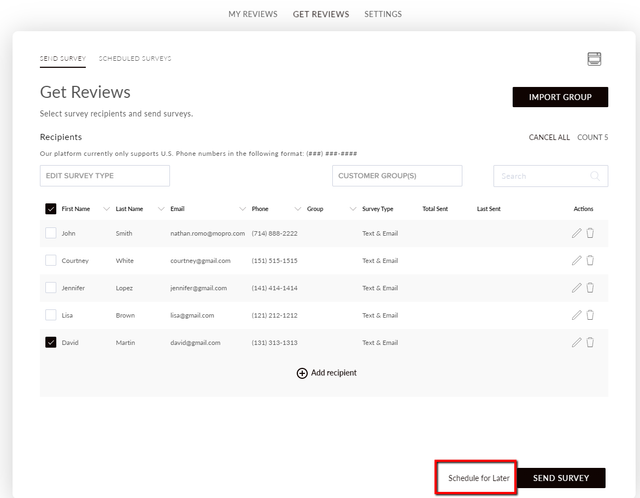
Select the customer you would like to send a survey to, and then select Schedule for Later.
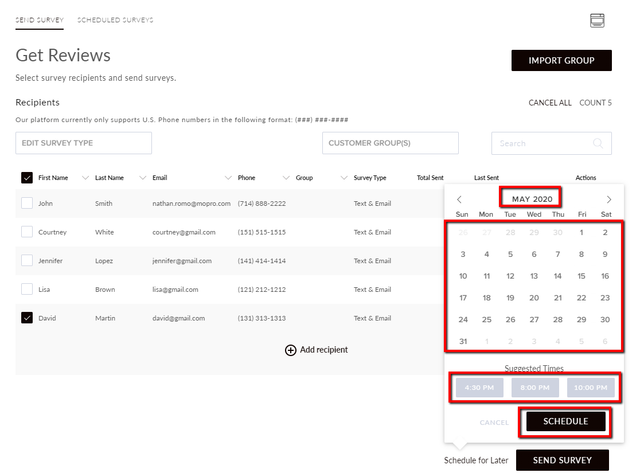
Select when you'd like to send your survey, and then select Schedule.
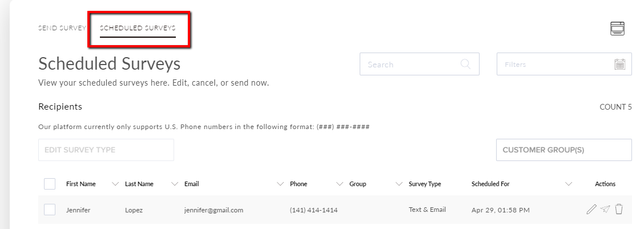
Check the Scheduled Surveys tab to view your scheduled surveys.