To edit a scheduled survey, select the Get 5 Star Reviews tile.
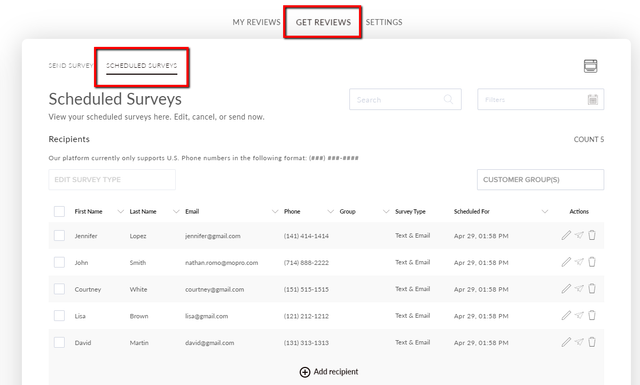
Navigate to the Get Reviews tab and select the Scheduled Surveys sub tab.
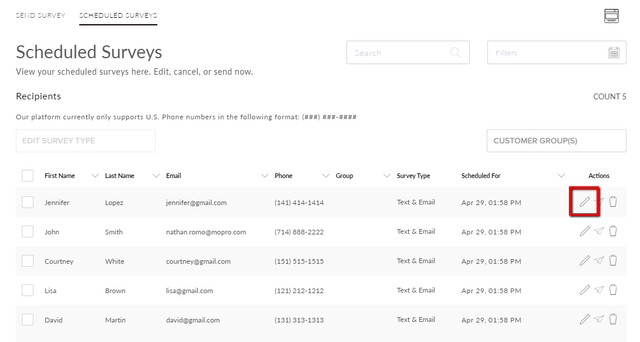
Select the pencil icon to edit a customer's information and their survey details.
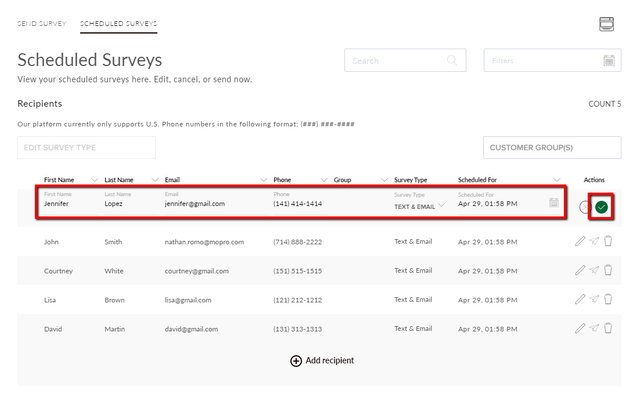
You can update the customer's name, email, phone, survey type, and schedule date. Select the green check to save your updates.