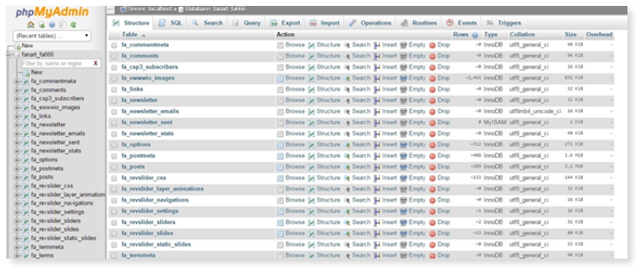
MySQL Manager has integrated a connection to phpMyAdmin to help you use and manage your SQL server. Once you have created your user and database, your manage database function will open phpMyAdmin in separate window.
To access this manager option click the small gear icon and select Manage Database or click on the database name shown in blue text.
To manage a database:
1. Click the Settings icon and select Manage Database to open phpmyadmin.
please note that if multiple databases are present, phpmyadmin will automatically default to the first database in your database list, to change the database being viewed clcik the drop down located just below the phpMyAdmin logo and select the database you wish to work with.