1. Click Create New WordPress Site.
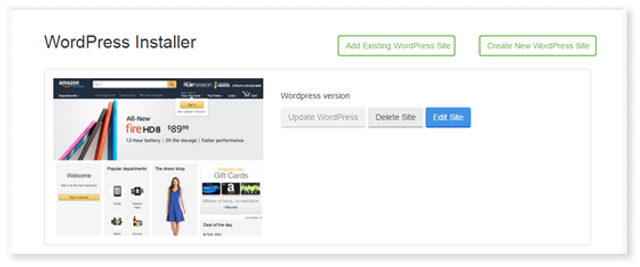
2. In the Setup section of the WordPress Installer screen, select your domain from the drop-down.
3. Choose a directory for your site.
4. Enter a name for a new directory, click Create and then click Select.
If you want to manually setup your site, please continue through the below steps:
- In the Website Settings section, enter a name and description for your new site.
- In the Admin Account section: enter a username, password and email address.
- In the Language Settings section, select the language for your site from the drop-down.
- In the Select Plugins section, select the Checkbox if you want to limit the number of login attempts.
- In the Advanced Options section, select a database or create a new one to associate with this site and click Add.
- Click Install.