Here you can manage all blocked fax numbers.
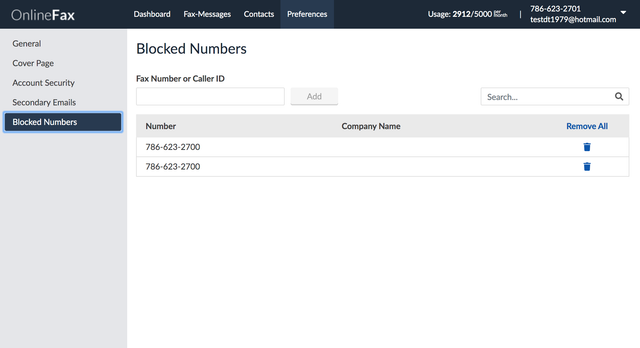
To block a fax number:
- Enter a fax number in the Fax Number or Caller ID field. The proper fax number format includes only numbers and dashes. The area code must be included.
- Click Add to block the fax number entered.
To search for a blocked fax number:
- Enter a fax number in the search The proper fax number format includes only numbers and dashes.
- The matching results will be displayed within the table.
To delete a blocked fax number:
- Enter a fax number in the search field or locate the number in the table.
- Click on the trash icon beside each number to delete the number.
- Click Yes to confirm the deletion or click Cancel.
To remove all blocked numbers, select Remove All, and then select Yes to confirm the deletion.