Once you have enabled product filtering, you have the option to enable specific filter criteria such as price, sale, in-stock, categories, search by phrase etc.
1. Do this by selecting Enable.
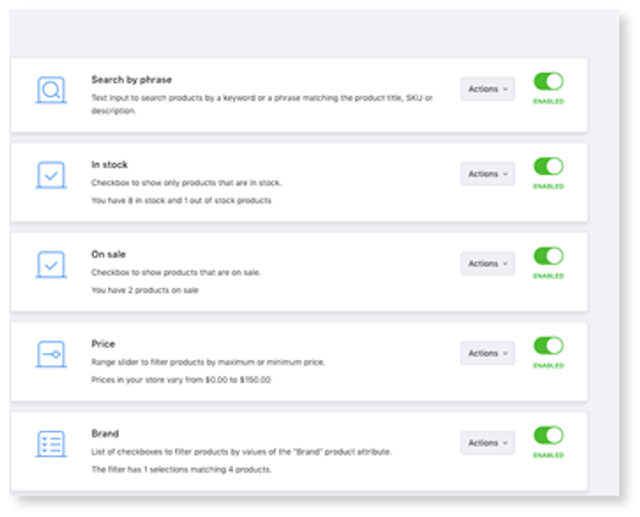
2. Click on the Actions drop-down to sort or delete your filter.
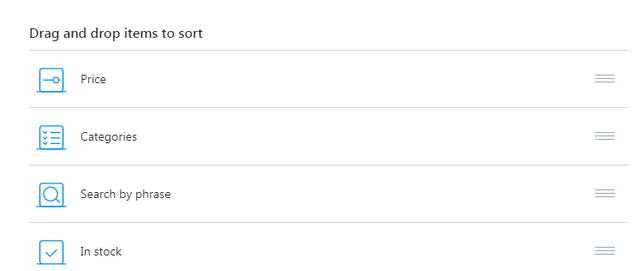
3. After clicking sort, you will be able to drag and drop the order of your filter criteria.
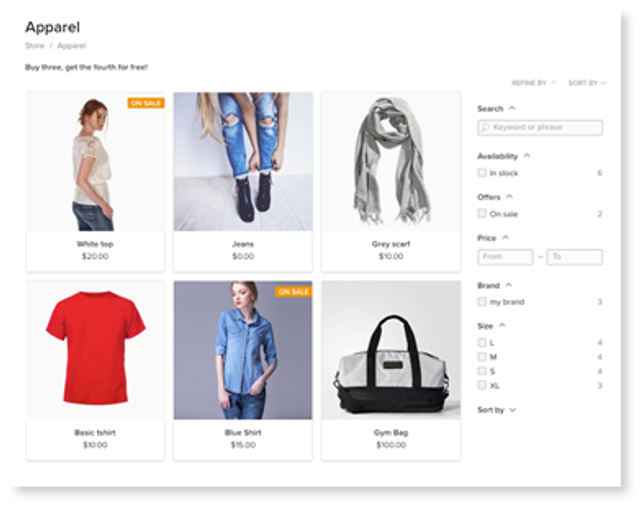
Filter options will be displayed on category pages and on the search page on the storefront.
Want to add more criteria? You can do this manually.
Learn how